Apple Pencil (1st Gen)
Product Details
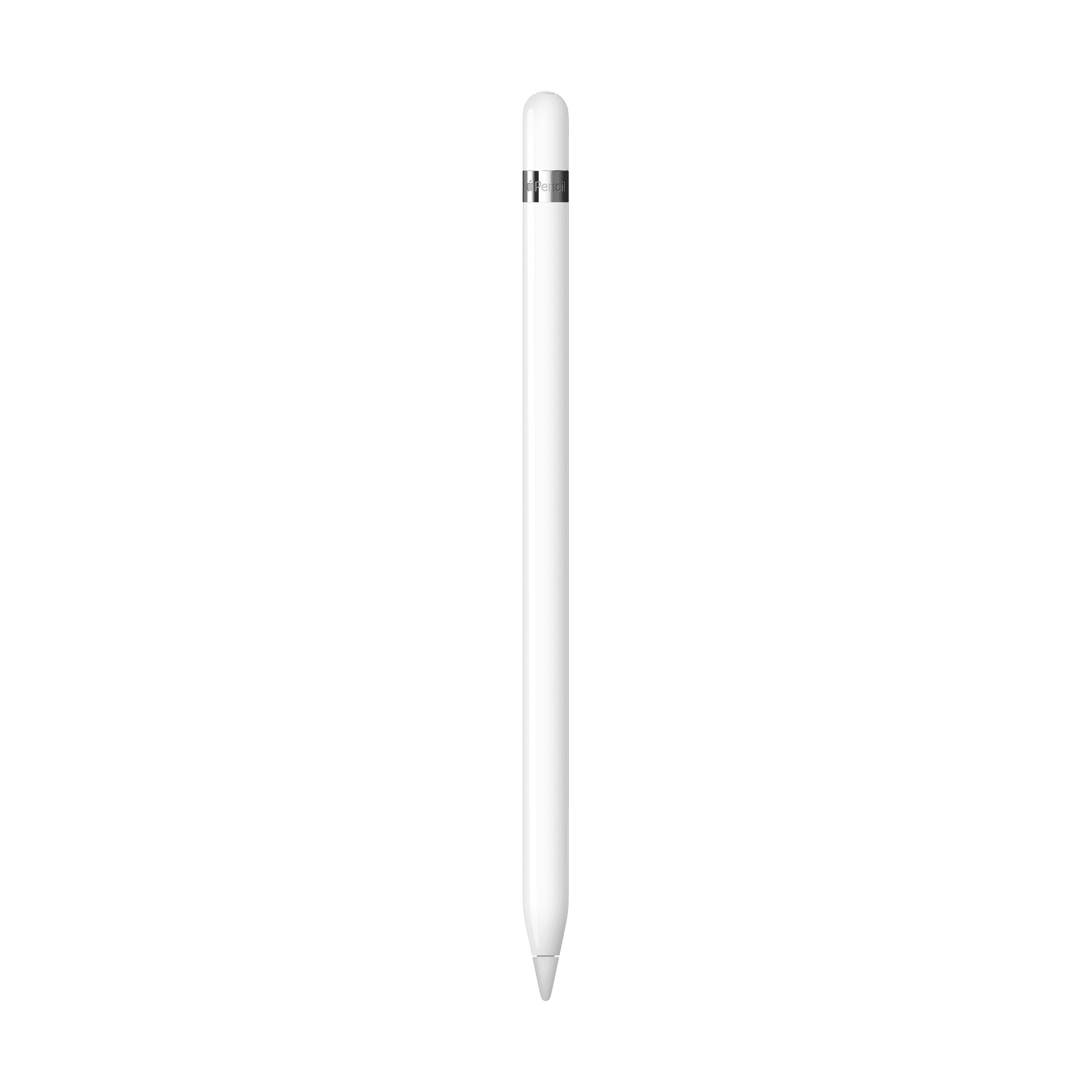
Apple Pencil (1st Generation)
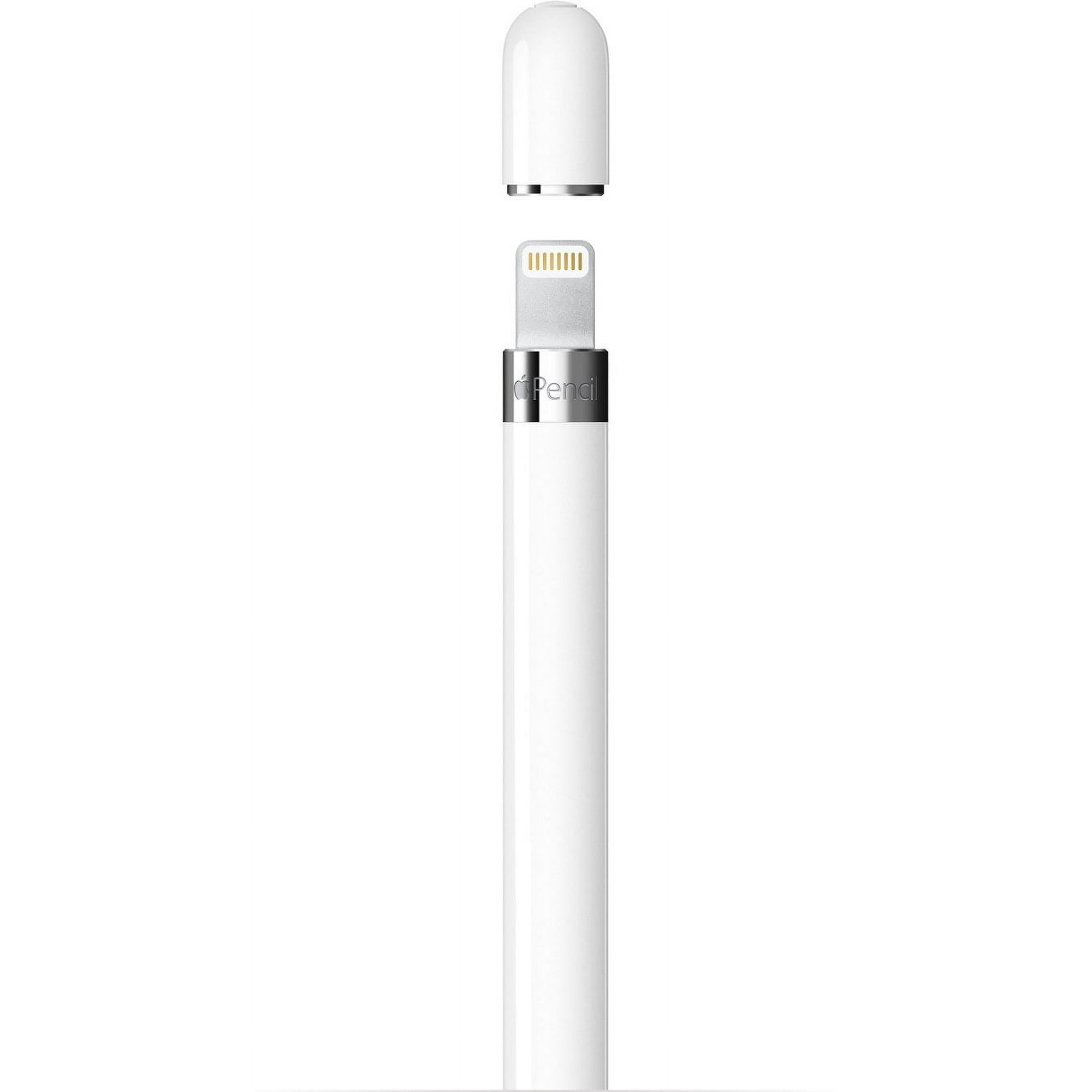
The Apple Pencil (1st Generation) MQLY3AM/A delivers precise and responsive performance for drawing, writing, annotating, and navigating on compatible iPad models. With pixel-perfect precision, pressure and tilt sensitivity, and virtually imperceptible lag, it provides a natural and fluid writing experience. The included USB-C to Apple Pencil Adapter allows compatibility with supported USB-C iPad models, making it a versatile tool for students, artists, and professionals.
Key Features:
- Apple Pencil 1st Generation
- Model MQLY3AM/A
- White finish
- Pixel-perfect precision for accurate writing and drawing
- Pressure sensitivity for responsive strokes
- Tilt sensitivity for natural shading and drawing
- Virtually imperceptible lag for responsive performance
- Supports drawing, writing, marking up documents, and navigation
- Pairing and charging via Lightning connector
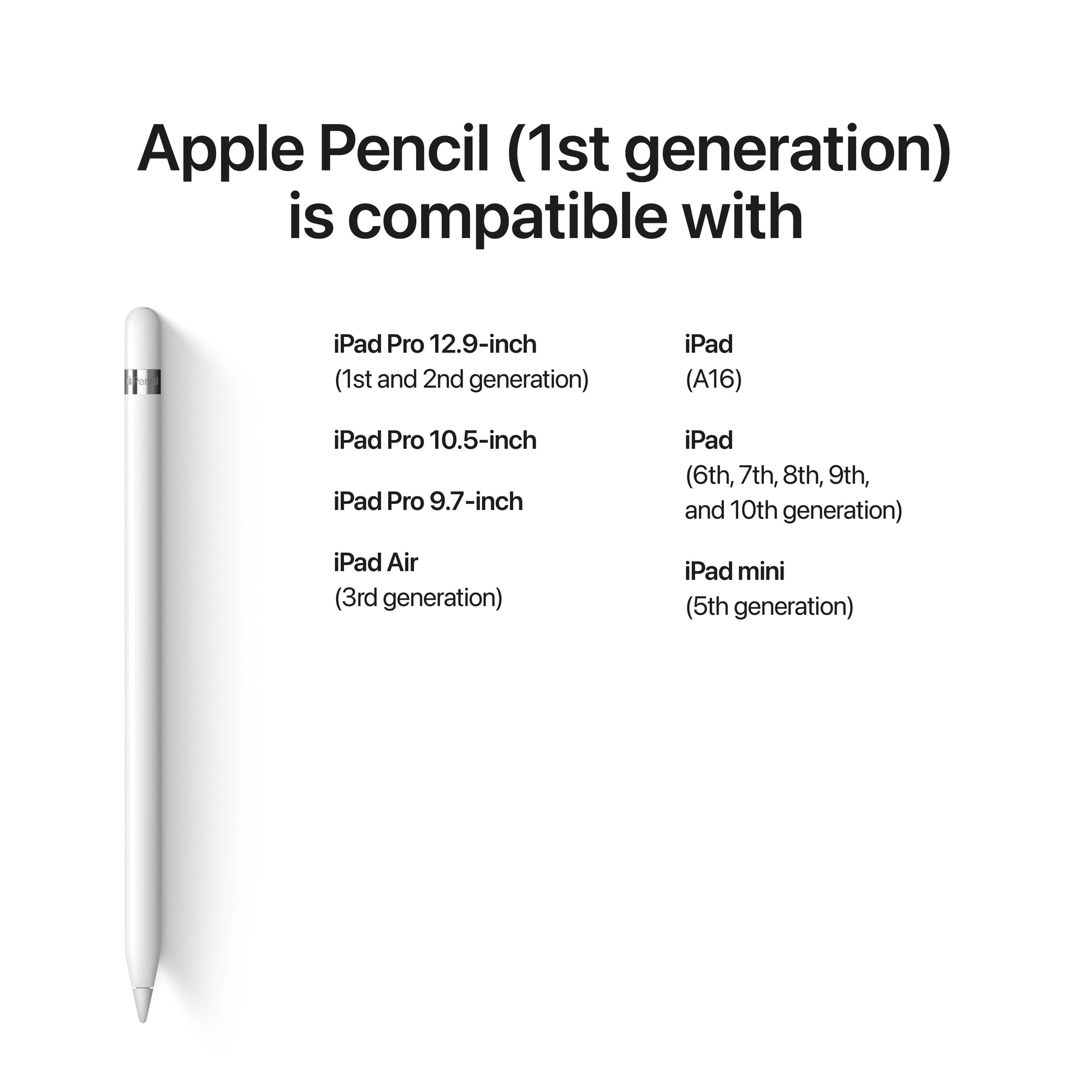
- Compatible with iPad 6th, 7th, 8th, 9th, and 10th generation
- Compatible with iPad Air 3rd generation
- Compatible with iPad mini 5th generation
- Compatible with iPad Pro 12.9-inch 1st and 2nd generation
- Compatible with iPad Pro 10.5-inch
- Compatible with iPad Pro 9.7-inch
Apple Pencil (1st Gen)
Specifications
- Precision stylus for drawing, writing, and note-taking
- Pixel-perfect accuracy with low latency
- Pressure and tilt sensitivity for natural strokes
- Pairs and charges via Lightning connector
- Compatible with select iPad models
Product Details
Apple Pencil (1st Generation)
The Apple Pencil (1st Generation) MQLY3AM/A delivers precise and responsive performance for drawing, writing, annotating, and navigating on compatible iPad models. With pixel-perfect precision, pressure and tilt sensitivity, and virtually imperceptible lag, it provides a natural and fluid writing experience. The included USB-C to Apple Pencil Adapter allows compatibility with supported USB-C iPad models, making it a versatile tool for students, artists, and professionals.
Key Features:
- Apple Pencil 1st Generation
- Model MQLY3AM/A
- White finish
- Pixel-perfect precision for accurate writing and drawing
- Pressure sensitivity for responsive strokes
- Tilt sensitivity for natural shading and drawing
- Virtually imperceptible lag for responsive performance
- Supports drawing, writing, marking up documents, and navigation
- Pairing and charging via Lightning connector
- Compatible with iPad 6th, 7th, 8th, 9th, and 10th generation
- Compatible with iPad Air 3rd generation
- Compatible with iPad mini 5th generation
- Compatible with iPad Pro 12.9-inch 1st and 2nd generation
- Compatible with iPad Pro 10.5-inch
- Compatible with iPad Pro 9.7-inch
Availability
Available in store
Available today at store.
Shipping
Available in 7–14 business days, depending on your location.
Available from U.S. mainland. Delivery: 7-14 business days.
7-day store warranty
Exchange manufacturer defects within 7 days.
Flexible payments
Pay via Clover with major cards.
Instant docs
Download invoices.
Customer Reviews (0)
No reviews yet. Be the first to review this product!