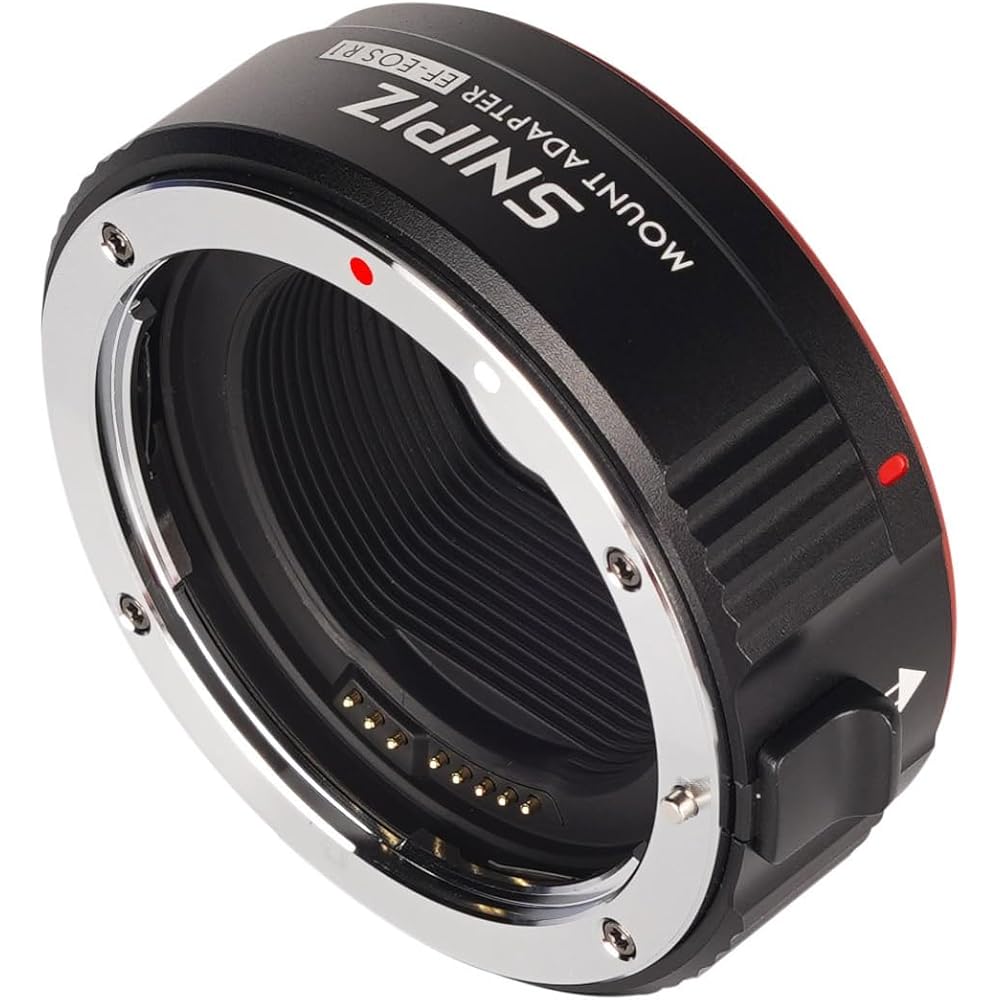
EF-EOS R Lens Mount Adapter Auto-Focus Lens Converter
Product Details
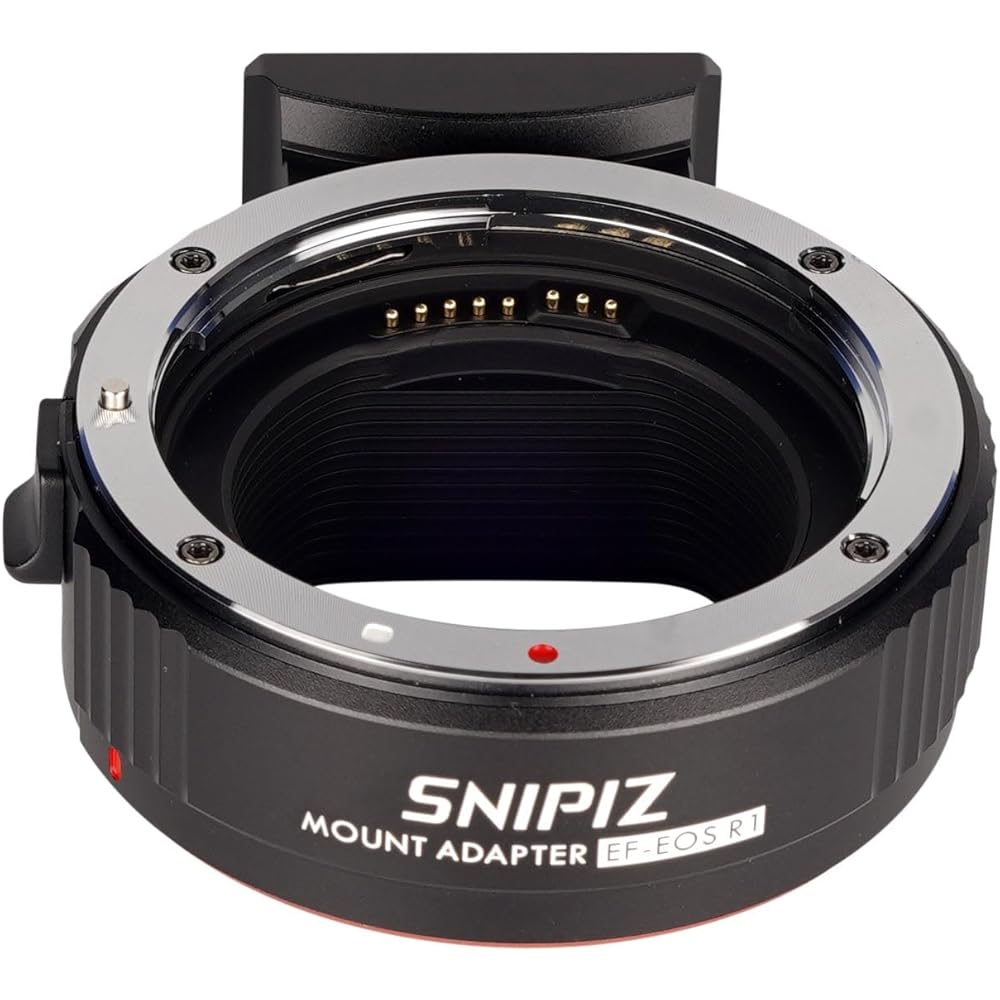
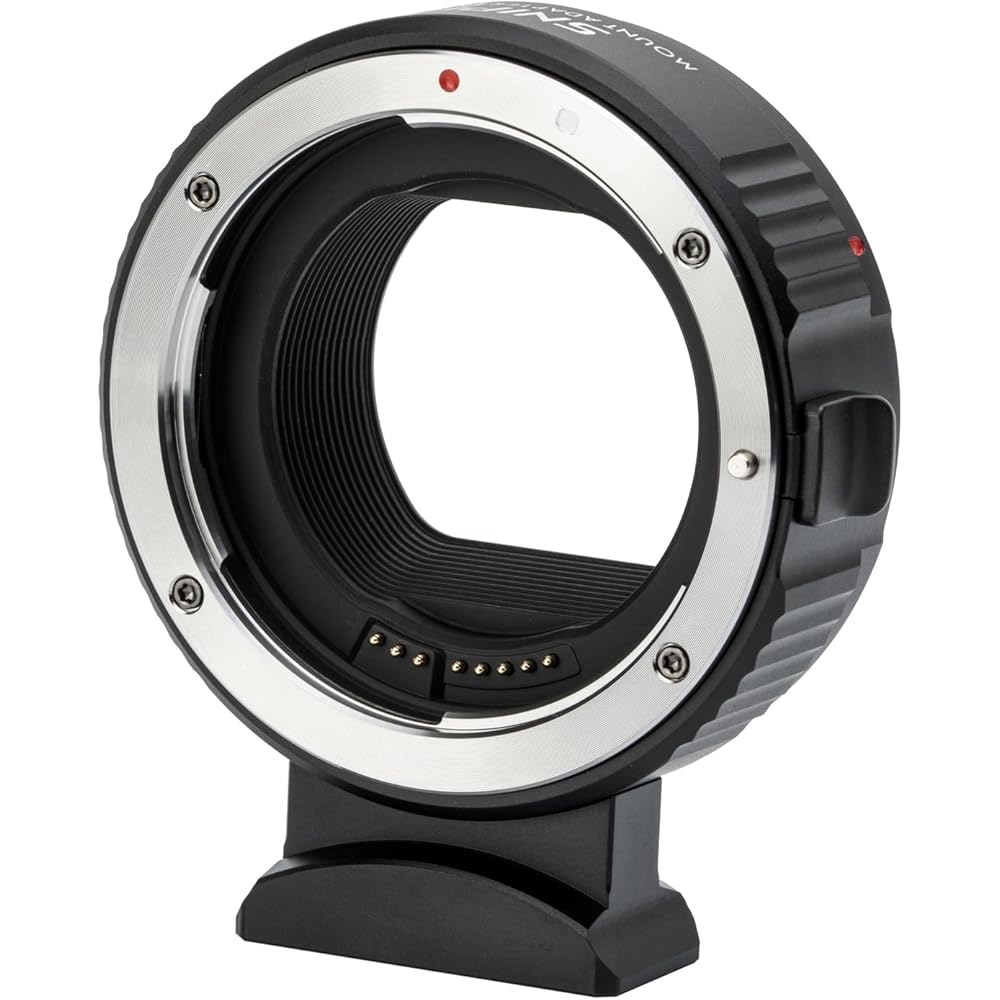
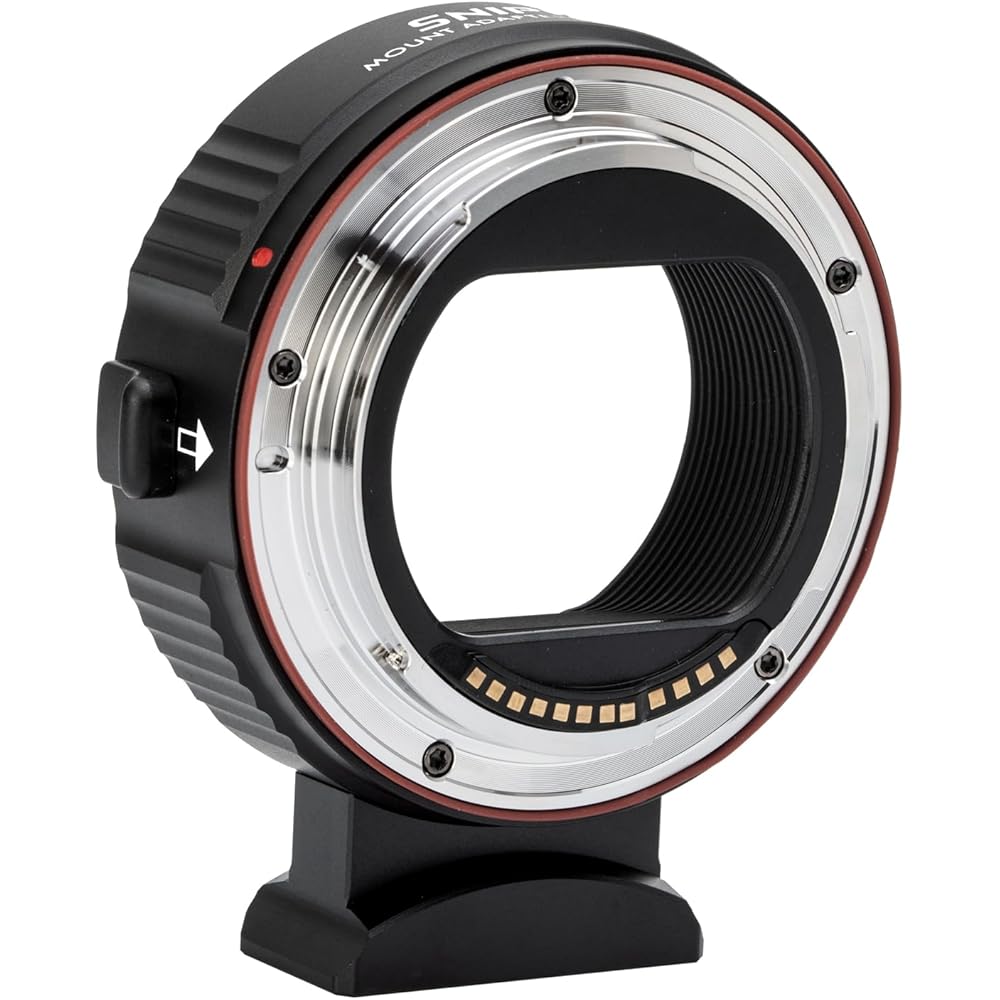
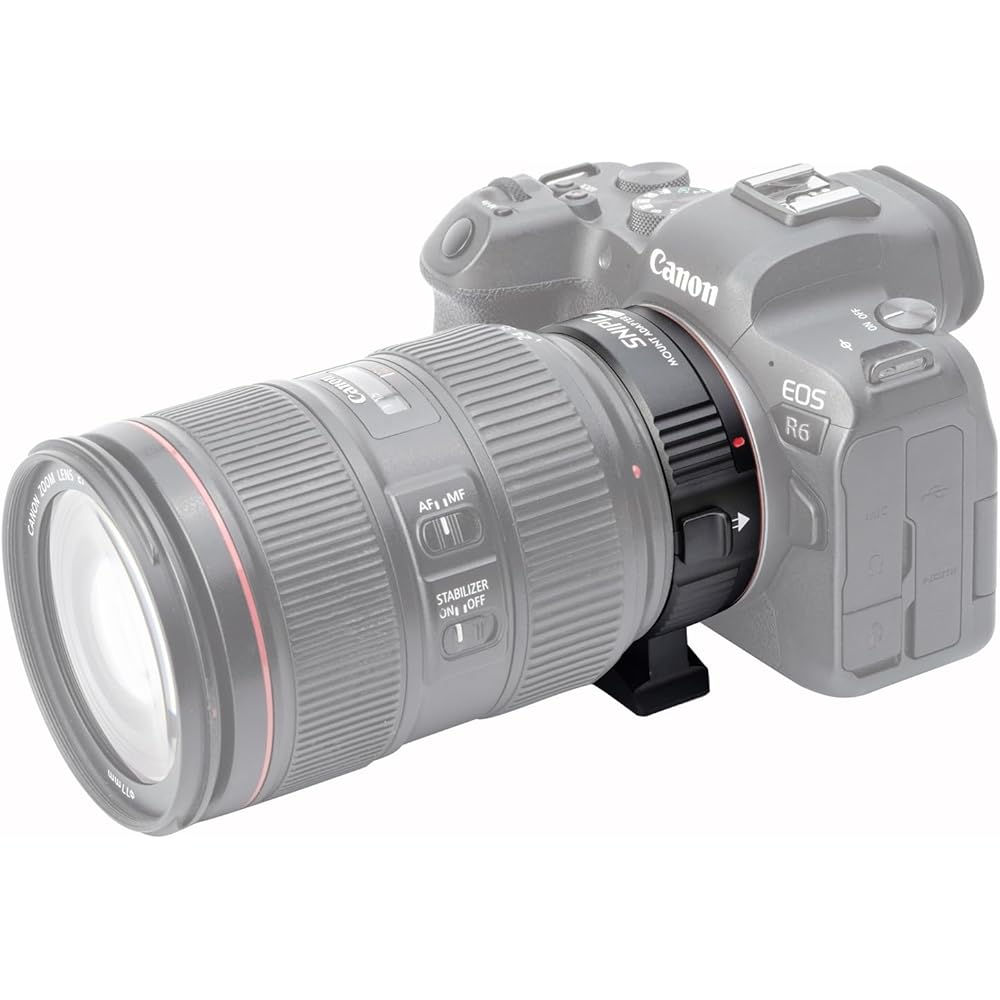
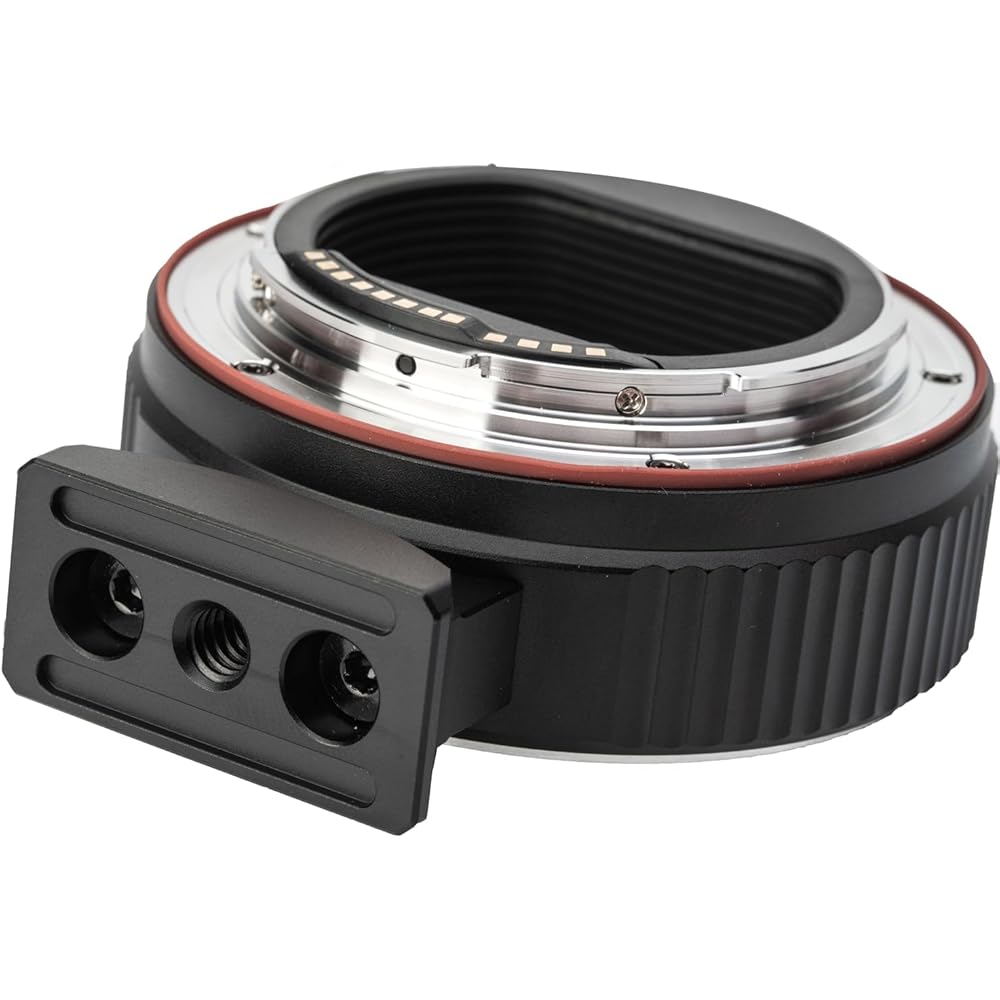
Expand your lens compatibility with this EF-EOS R mount adapter, designed to connect Canon EF and EF-S lenses to Canon EOS R-series mirrorless cameras. Featuring autofocus support, aperture control, image stabilization, and full EXIF data transmission, it delivers a seamless shooting experience while preserving lens functionality.
Key Features
- Compatible with Canon EF and EF-S lenses
- Works with Canon EOS R-series mirrorless cameras
- Built-in control ring for enhanced shooting control
- Supports fast and accurate autofocus
- Camera-controlled aperture adjustment
- Displays shutter speed, aperture, ISO, and other settings on camera
- Supports image stabilization (IS) for reduced blur and improved image quality
- Full EXIF data transmission for lens and shooting information
- Gold-plated copper contacts for reliable signal transmission
- Durable metal construction with premium finish
EF-EOS R Lens Mount Adapter Auto-Focus Lens Converter
Specifications
- EF to RF Lens Adapter – Allows Canon EF and EF-S lenses to work with RF-mount cameras
- Auto-Focus Support – Maintains autofocus functionality for compatible lenses
- Full Electronic Communication – Supports aperture control, image stabilization, and EXIF data transfer
- Seamless Compatibility – Designed for Canon EOS R-series mirrorless cameras
- Durable Construction – Secure and reliable lens-to-camera connection
- Easy Installation – Quick mount-and-shoot setup
- Broad Camera Support – Compatible with EOS R, RP, R3, R5, R6, R6 Mark II, R7, R8, R10, R50, and R100
- Ideal for Existing Canon Users – Continue using EF/EF-S lenses without replacing your lens collection
NOTES: This item is a special order. The expected delivery time is 10–21 business days, depending on your location.
Product Details
Expand your lens compatibility with this EF-EOS R mount adapter, designed to connect Canon EF and EF-S lenses to Canon EOS R-series mirrorless cameras. Featuring autofocus support, aperture control, image stabilization, and full EXIF data transmission, it delivers a seamless shooting experience while preserving lens functionality.
Key Features
- Compatible with Canon EF and EF-S lenses
- Works with Canon EOS R-series mirrorless cameras
- Built-in control ring for enhanced shooting control
- Supports fast and accurate autofocus
- Camera-controlled aperture adjustment
- Displays shutter speed, aperture, ISO, and other settings on camera
- Supports image stabilization (IS) for reduced blur and improved image quality
- Full EXIF data transmission for lens and shooting information
- Gold-plated copper contacts for reliable signal transmission
- Durable metal construction with premium finish
Availability
Available in store
Available today at store.
Shipping
Available in 7–14 business days, depending on your location.
Available from U.S. mainland. Delivery: 7-14 business days.
7-day store warranty
Exchange manufacturer defects within 7 days.
Flexible payments
Pay via Clover with major cards.
Instant docs
Download invoices.
Customer Reviews (0)
No reviews yet. Be the first to review this product!
Related Products
Insta360 Luna Ultra Creator Bundle